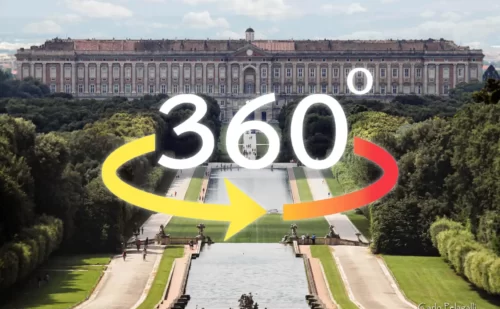
360° Virtual Tour of the interiors of the Royal Palace of Caserta
Select a room or attraction below to start the virtual tour here in the top of the page.
💡 How will I use the Virtual Visit? (Instructions for use)
- Explore in 360°: Drag with your mouse (on PC) or swipe with your finger (on smartphone/tablet) to rotate the view within the rooms.
- Zoom in on details: Use the mouse wheel or the standard pinch-to-zoom gesture on mobile to take a closer look at frescoes, paintings, and ceilings.
- Change rooms: Click the buttons at the bottom of the page to instantly load a new view in the viewer.
- Full-Screen Mode: Click the arrow icon within the viewer window to expand the view to full screen.